Do not buy to a generic classroom number. Start with the activity, group size and sharing pattern, then test the exact set contents, reset time and storage plan. The right quantity is the one that lets the planned groups work without hiding missing-piece risk.
Define the classroom job first
“A classroom group” can mean a teacher demonstration, pairs sharing one tray, several small teams or a rotating learning-center station. Write the activity and number of simultaneous builders before comparing piece counts. A construction activity that needs repeated squares and triangles has a different requirement from a scene-led storytelling station.
Three current references for a trial plan
These public records can anchor a trial comparison. They are separate SKUs; confirm the current sample, exact contents, packaging and model-specific documents before a school order.
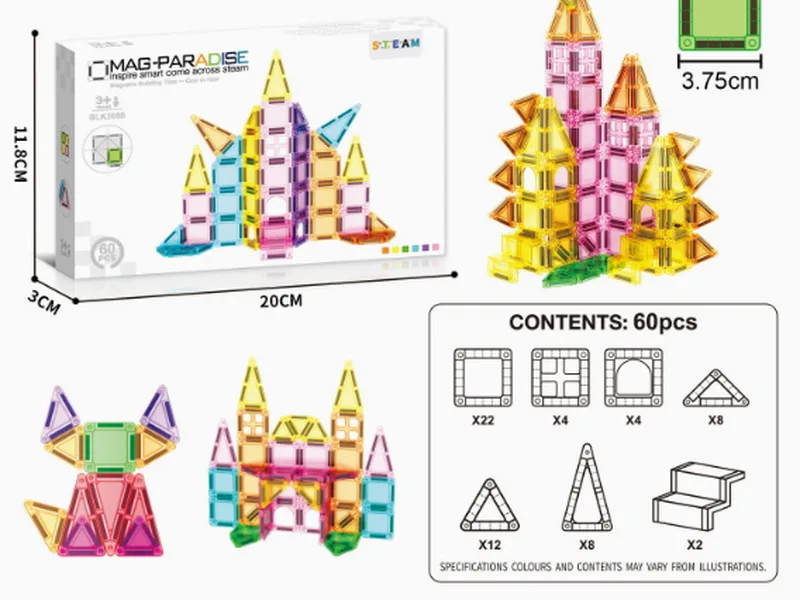
60PCS Magnetic Tiles STEAM Set
MBP-069 · A catalogued 60-piece flat-tile reference; the STEAM name is not proof of learning outcomes.
View product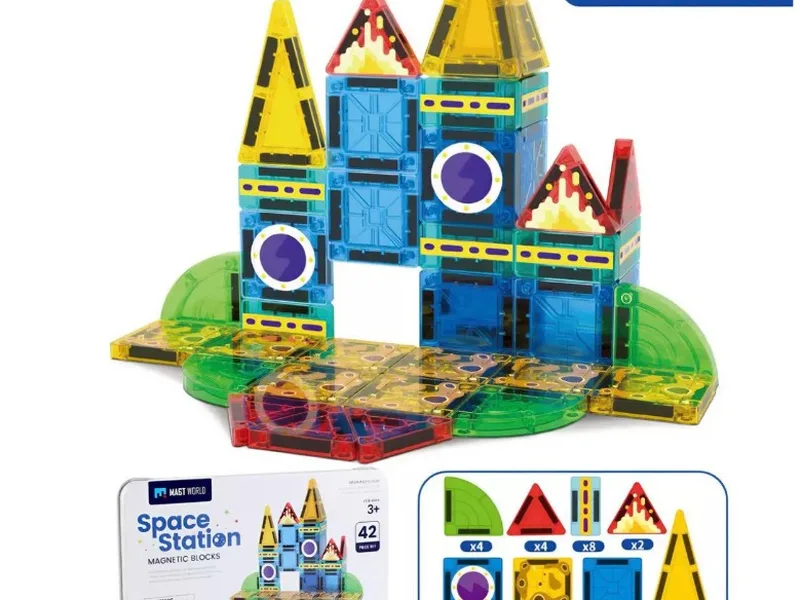
Magnetic Tiles Space Theme (42pcs)
MBP-015 · A scene-led space reference for a different activity role.
View product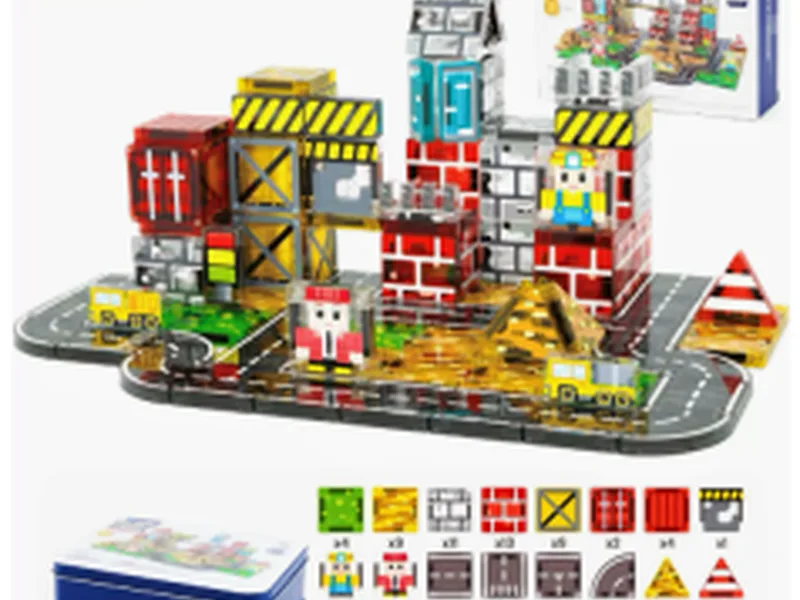
100PCS City Construction Magnetic Blocks Set
MBP-010 · A larger city-scene reference for shared construction or storytelling trials.
View productUse a group-and-activity matrix
| Question | Record | Decision signal |
|---|---|---|
| How many builders work at once? | Pairs, teams, rotation or teacher demo | Shows whether one tray creates waiting time |
| What must be repeated? | Core shapes, scene pieces or figures | Reveals whether sharing causes conflict |
| How is the set reset? | Counted tray, labelled bag or mixed storage | Shows replacement and reordering workload |
| What evidence is needed? | Sample observation, activity notes and document scope | Separates a useful pilot from an unsupported learning claim |
Calculate usable pieces by component class
Define G as groups working simultaneously and R as the observed quantity of a particular shape required by one group. The activity requirement for that shape is G × R. Divide that requirement by the confirmed number of that shape in one set and round up; repeat for every necessary shape. The largest result is the minimum set count for the activity, before any separately justified reserve.
Hypothetical planning example, not a SKU specification: three groups each need eight squares, so the activity needs 24 squares. If a confirmed sample contains six suitable squares per set, four sets supply that shape. If another required shape is scarcer, it can raise the requirement. None of the featured product titles proves those shape quantities.
Use the model-matched inventory, not 42/60/100 divided by pupils. Accessories cannot automatically substitute for construction pieces. Add a reserve only for a recorded reason, such as pieces held out for inspection or a separate demonstration; do not apply an invented universal loss percentage.
Plan a pilot before a larger purchase
- Choose one activity and one exact SKU.
- Run the activity with the intended group pattern.
- Record waiting, sharing friction, missing pieces and reset time.
- Repeat with a second product role only when the planned activity changes.
- Set a reorder trigger from observed use and replacement records, not an assumed classroom ratio.
Group size: [ ] · Activity: [ ] · SKU: [ ] · Pieces counted: [ ] · Builders at once: [ ] · Sharing issue: [ ] · Reset time: [ ] · Missing parts: [ ] · Documents checked: [ ] · Next order decision: [ ].
FAQ
Is there one correct piece count for every classroom group?
No. The useful quantity depends on group size, activity design, sharing rules, storage and the exact set contents.
Should a school buy one large set or several smaller sets?
Compare the activity plan, sharing friction, reset time and replacement process. A single large set is not automatically easier to manage.
Can a product image prove classroom capacity?
No. Use the image to identify the SKU, then confirm counted contents and test the activity with the actual sample.
Use the school procurement checklist to add storage and documentation fields, then send the activity inventory and calculated shape requirements to MagBlockPro for model-level confirmation.