A useful listing photo set answers what the buyer receives, how it is packed and which SKU the image represents. Build the shot list from confirmed product facts, then keep inspiration images separate from promises.
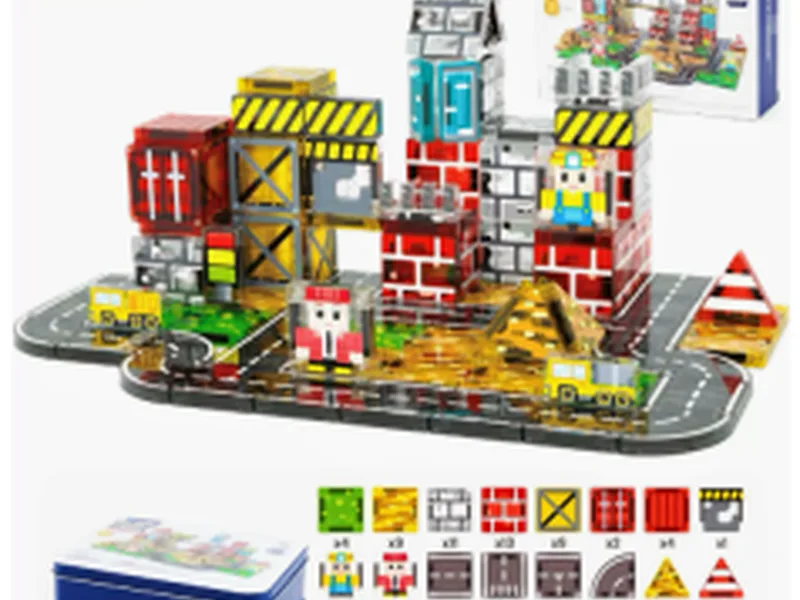
100PCS City Construction Magnetic Blocks Set
Use the exact SKU image as the hero reference; confirm packed contents and packaging before listing.
View productSeven shots to brief
- Hero: exact SKU, clean background and current product name.
- Contents: every packed component arranged for counting.
- Shape detail: tiles, windows, accessories or figures shown without implying extras.
- Scale reference: only with confirmed dimensions or a clearly labelled reference object.
- Packaging: retail box, bag, label and barcode panels as approved.
- Use context: an example build labelled as inspiration when it is not a packed promise.
- Storage: the confirmed bag, box or other storage route.
Match every asset to the listing record
Keep SKU, image filename, date, photographer, approved contents and market version in one asset log. If a new sample changes colour, accessory count or packaging, pause the listing update until the order record and image set agree.
Write captions that do not overclaim
Say “example build” when the image is illustrative. Do not infer age, safety, dimensions, magnet performance or included pieces from a photograph. Use the exact product name and a model-specific confirmation note where fields remain open.
FAQ
Should every pictured prop be included in the box?
No. Photograph and label only what the exact SKU includes; separate inspiration from packed contents.
Can sellers resize a product image to imply scale?
Avoid implying dimensions. Use confirmed measurements or a clearly labelled reference.
What controls listing-image changes?
Keep a SKU image log and require approval when contents, packaging or artwork changes.
Use the seller product-information guide to complete the copy brief, then ask MagBlockPro for current model fields.